Mault / Hardware build guide
Build the card sorter
01 / Set up
Set up your build
Choose how you're building the sorter. The parts list, wiring and assembly steps below follow these choices, which are saved in this browser.
Where are your parts from?
Controller board
Sorting modules
Each module has three servos, a bottom trapdoor, a paddle gate, and a left/right pusher, plus an IR sensor. Closing every trapdoor above the target bin and opening only the ones beneath it lets a card fall to the right module before the pusher ejects it.
02 / Parts
Bill of materials
Quantities scale with the number of modules you're building: 3 modules × 3 servos, 1 feeder, 4 IR sensors, 10 of the PCA9685's 16 channels in use. The remaining channels are free for additional sorting modules (up to 5 modules on a single PCA9685). Check off each part as you gather it. Checkmarks are saved in this browser.
Electronics
Sensing
Power
Structural
Fasteners & wiring supplies
Optional
Some "Buy" links are Amazon affiliate links. We may earn a small commission on qualifying purchases at no extra cost to you.
03 / Assembly
Assembly
Eight phases, structural work first. Checkboxes are saved in this browser, so you can close the tab mid-build and pick back up later.
Stuck on a step? Join the Discord if you need help.
Print the structural parts
Every printed part of a 3-module sorter, colored by what to print. The key lists how many of each you need, numbered by plate in the print file. Change the module count or board in the setup above and the model and counts update.
Drag to rotate, scroll to zoom, right-drag to pan. Hover or tap a part in the key to show only that part.
Using an MG90S servo for the feeder? Print the MG90S feeder horn from the Alternative Horn plate instead of the standard roller horn.
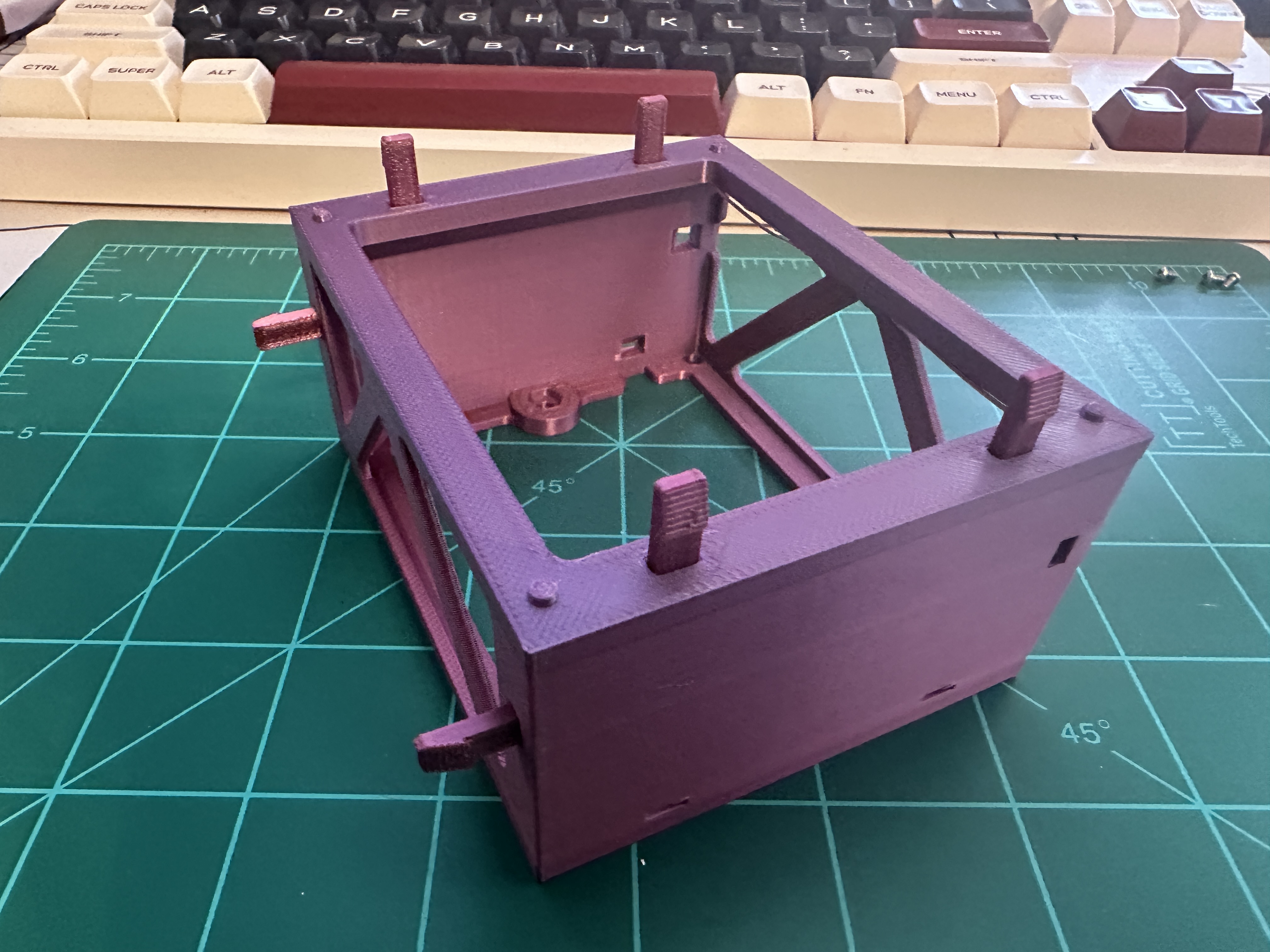
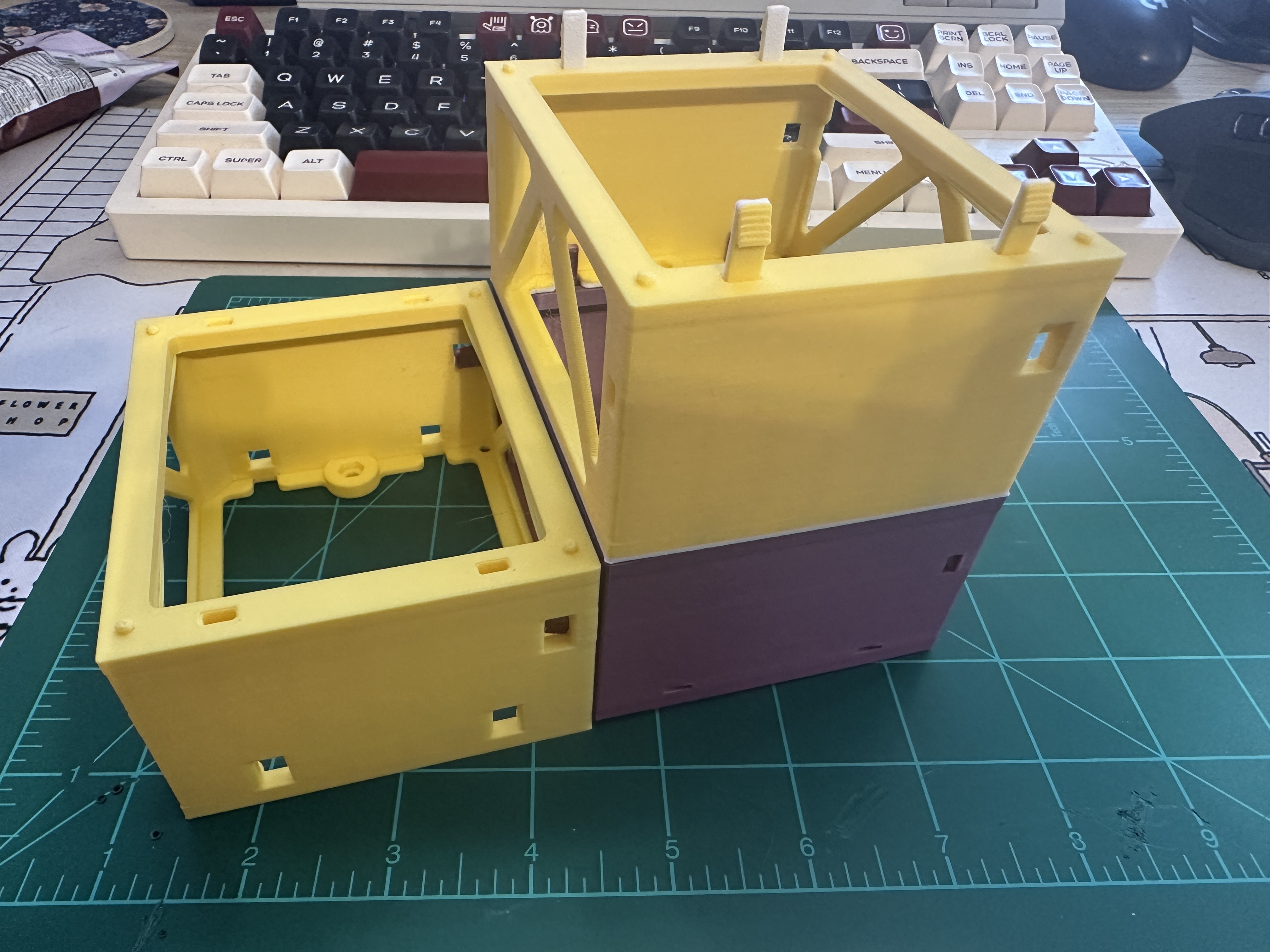
Dry-fit the Base Support pieces and sorting modules with the pins first. Once everything lines up, super glue each pin into place.
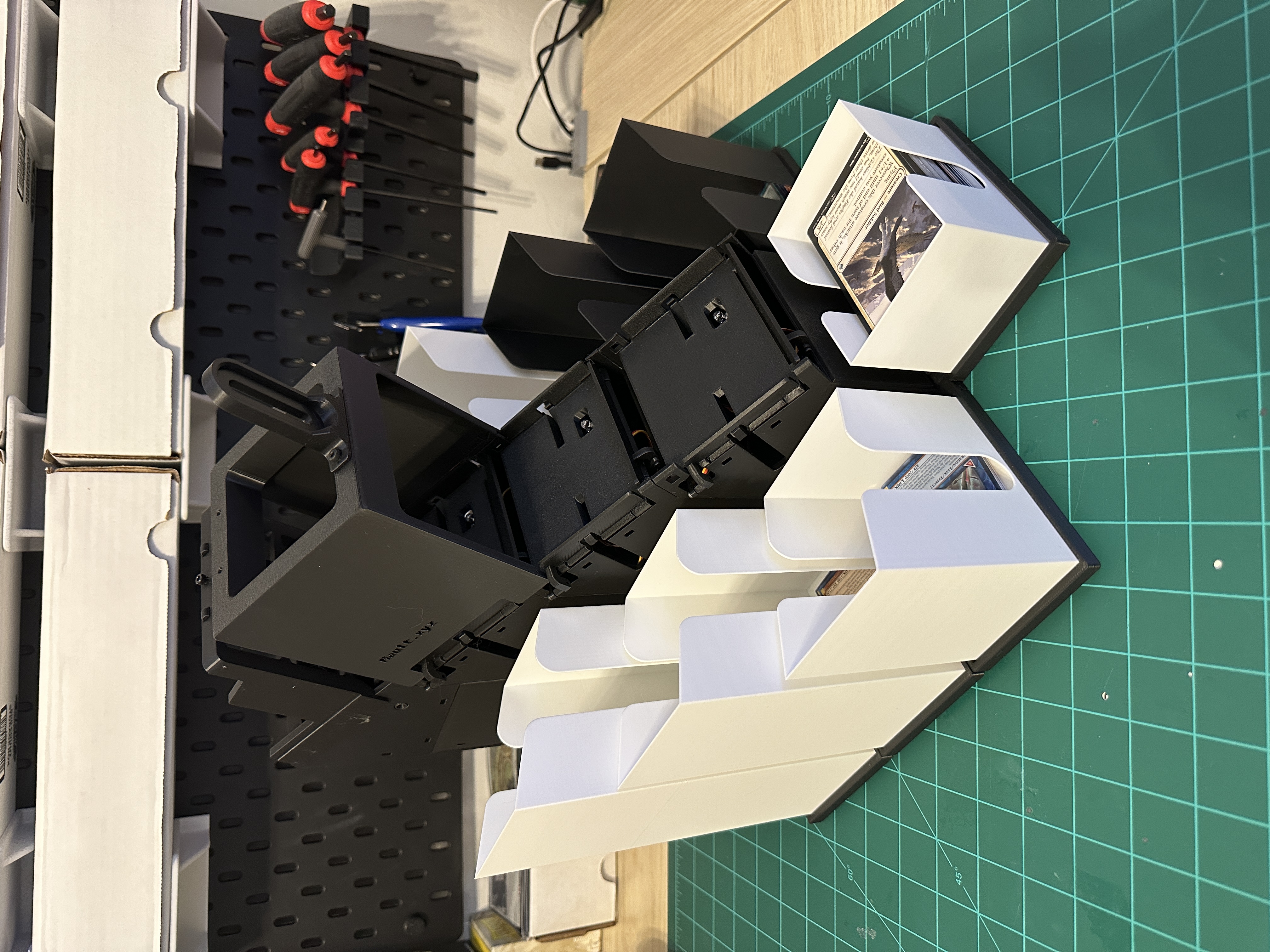
Assemble the modules
The linkage's TOP/BOTTOM labels describe how it's installed, not which way the module faces. Since you build with the platform upside down, TOP points away from the platform. This is the trapdoor a card falls through to reach the next module, or the current one on a match. The horn gets seated onto the servo once the module is calibrated from the app. See Calibrate from the app below.
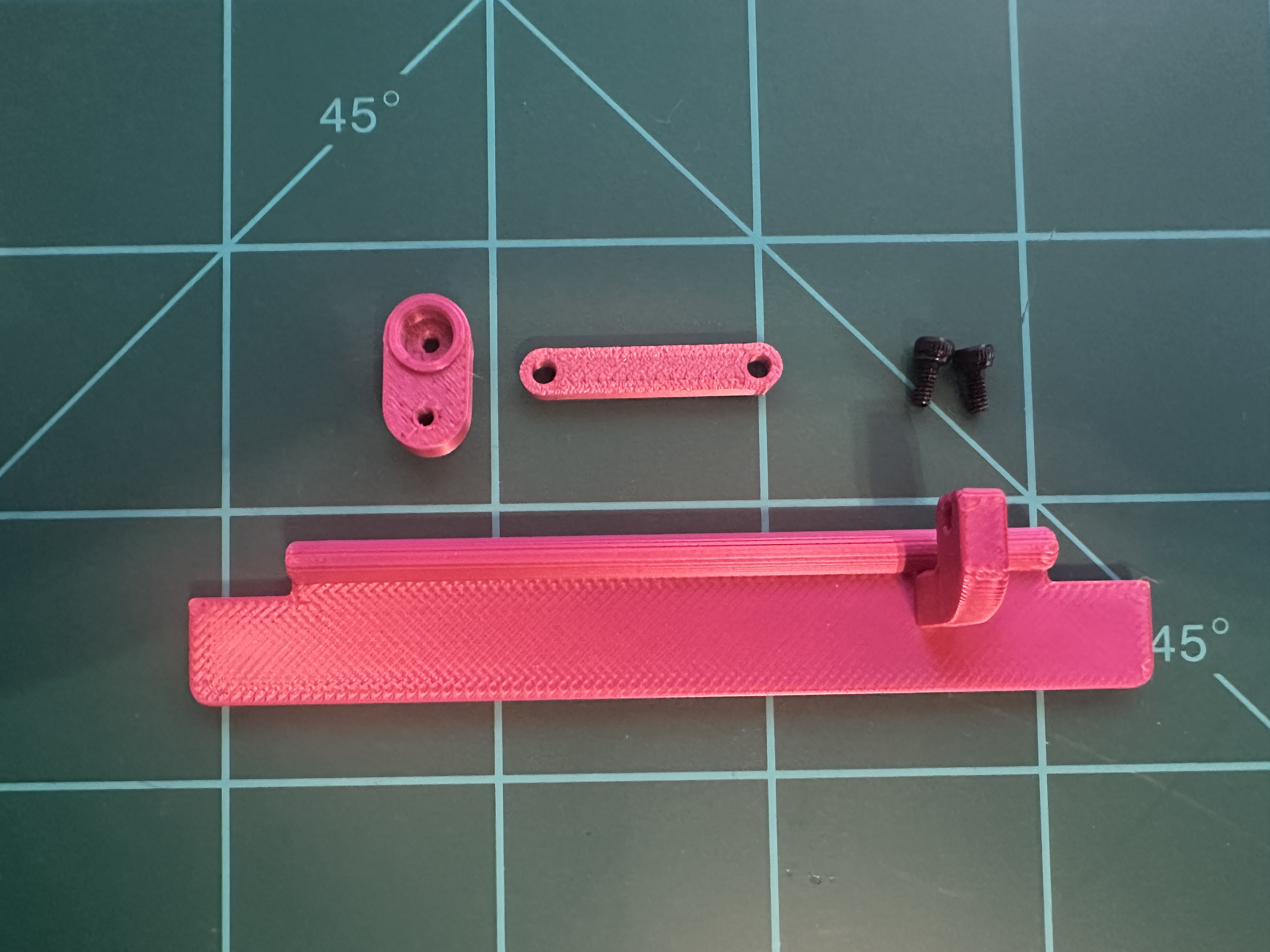
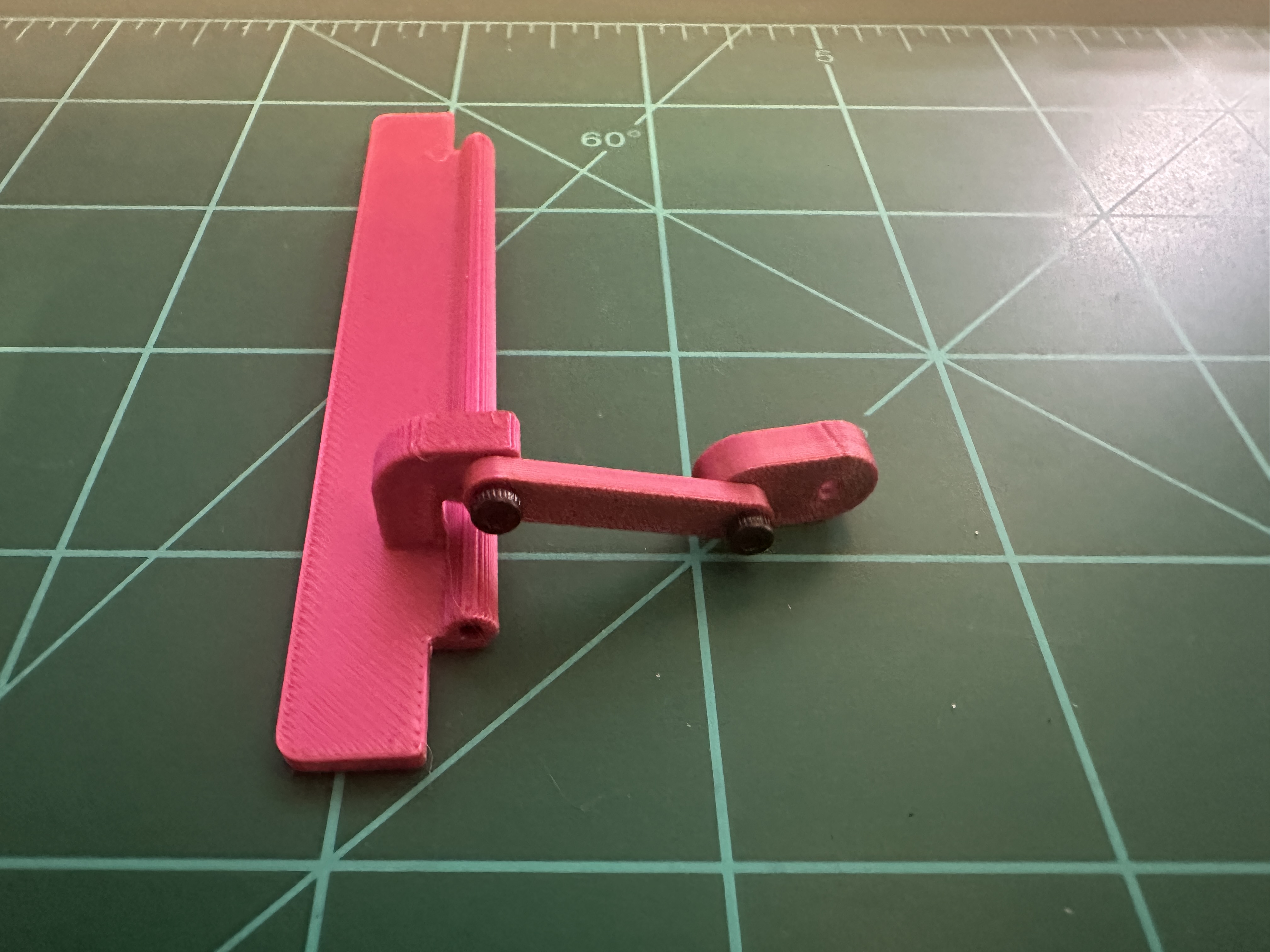
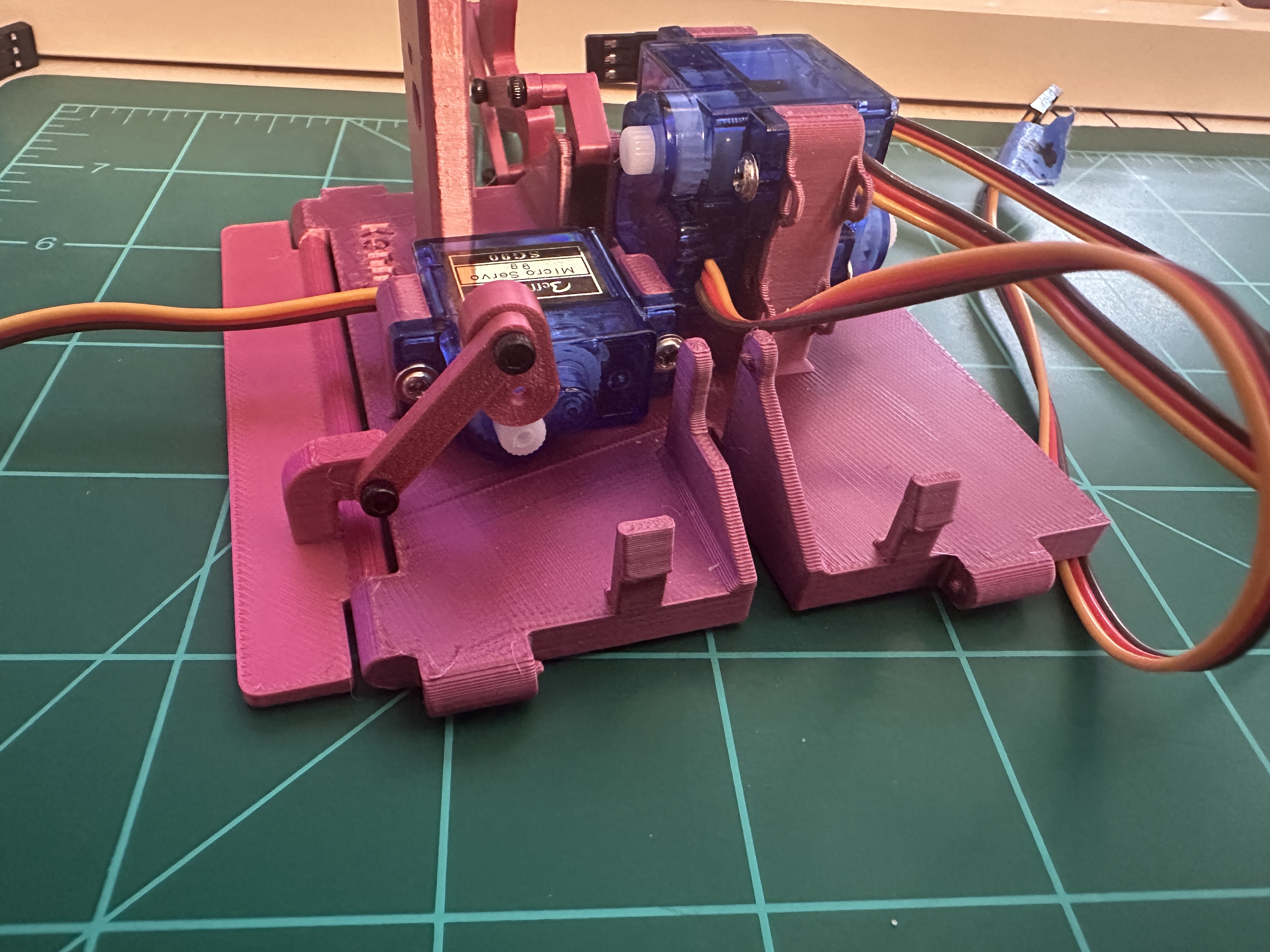
The linkage's TOP/BOTTOM labels describe how it's installed, not which way the module faces. Since you build with the platform upside down, TOP points away from the platform. One paddle servo drives both flappers together. They open and close as a pair, not independently. The horn gets seated onto the servo once the module is calibrated from the app. See Calibrate from the app below.
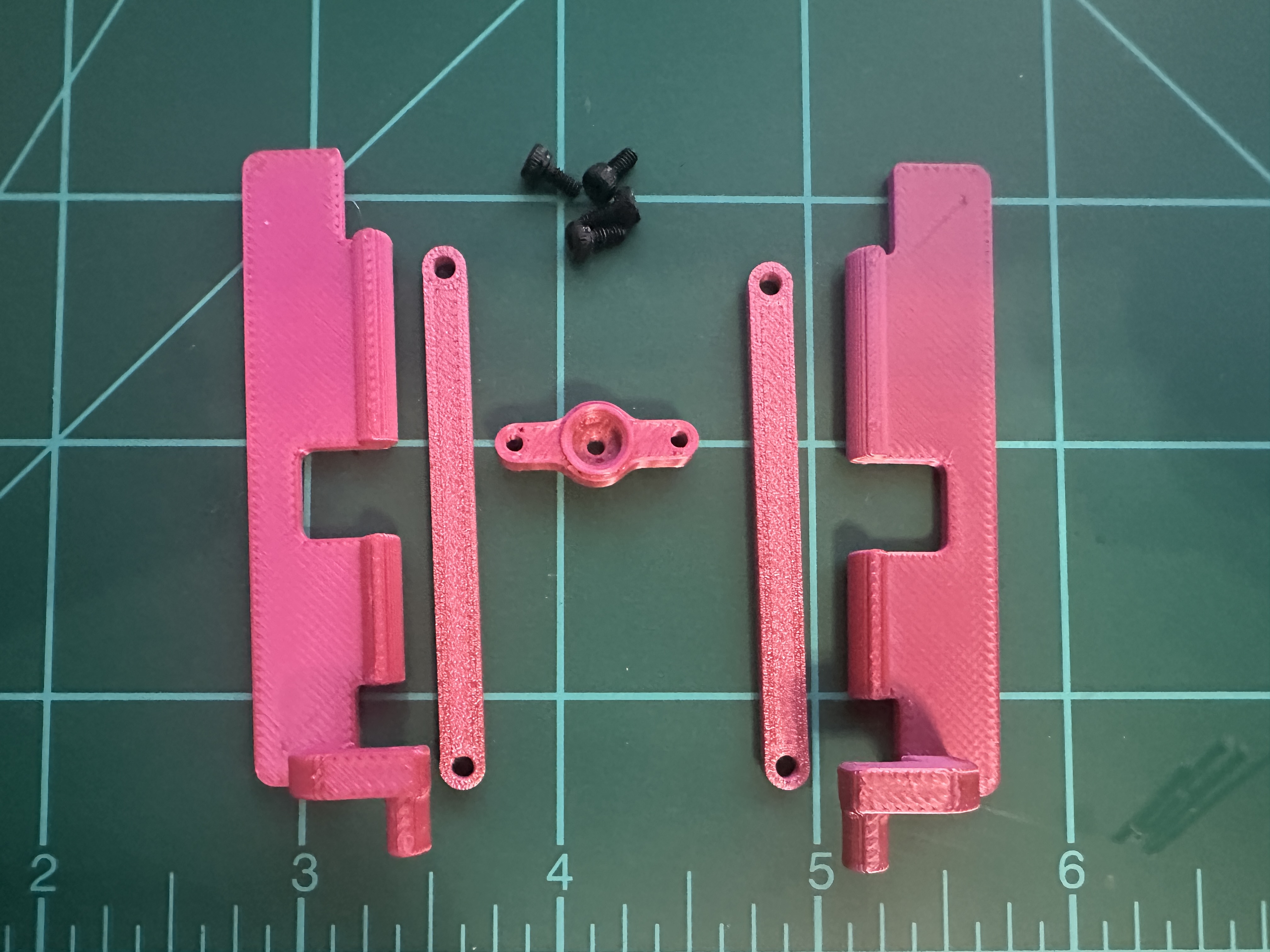
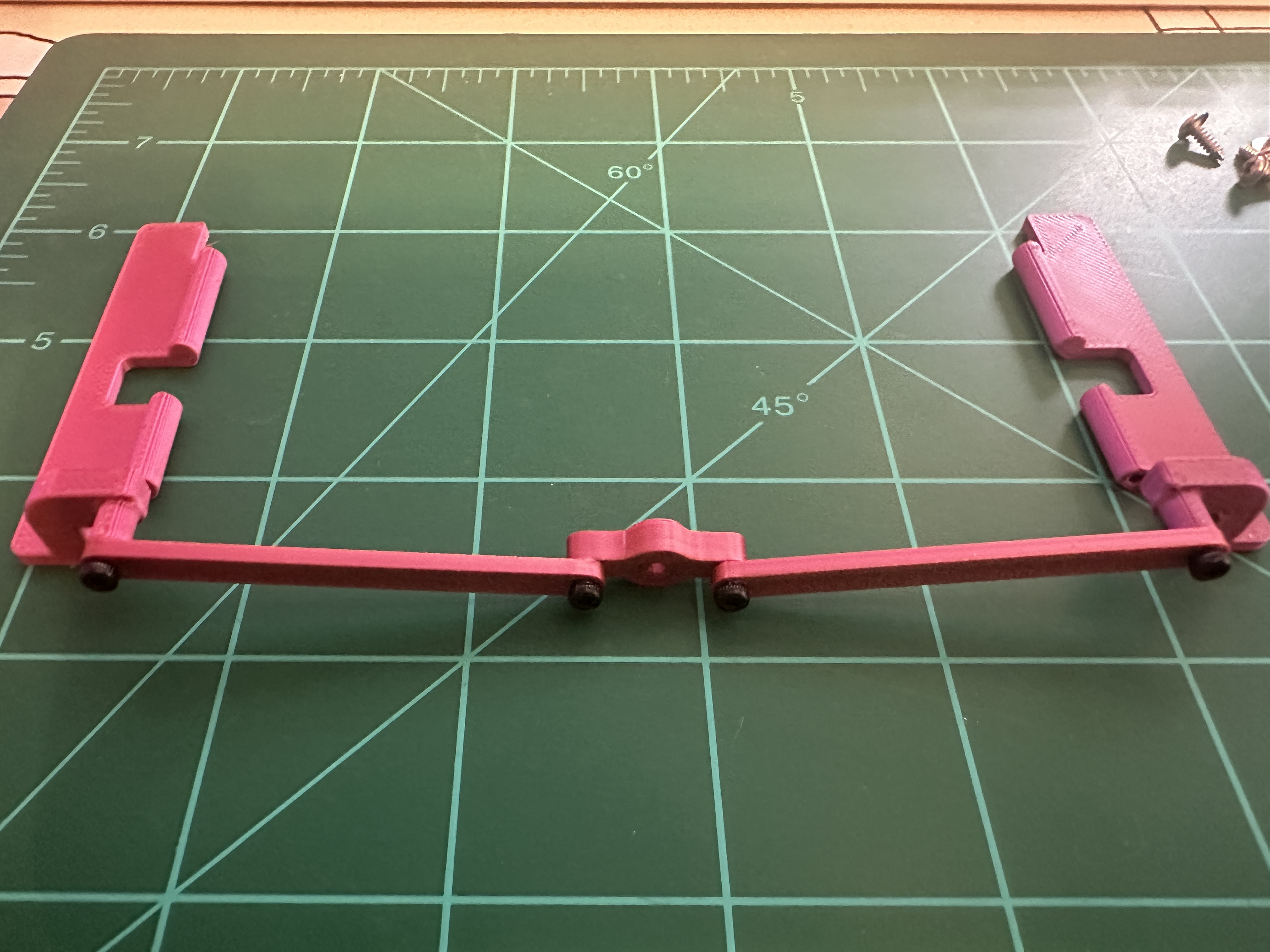
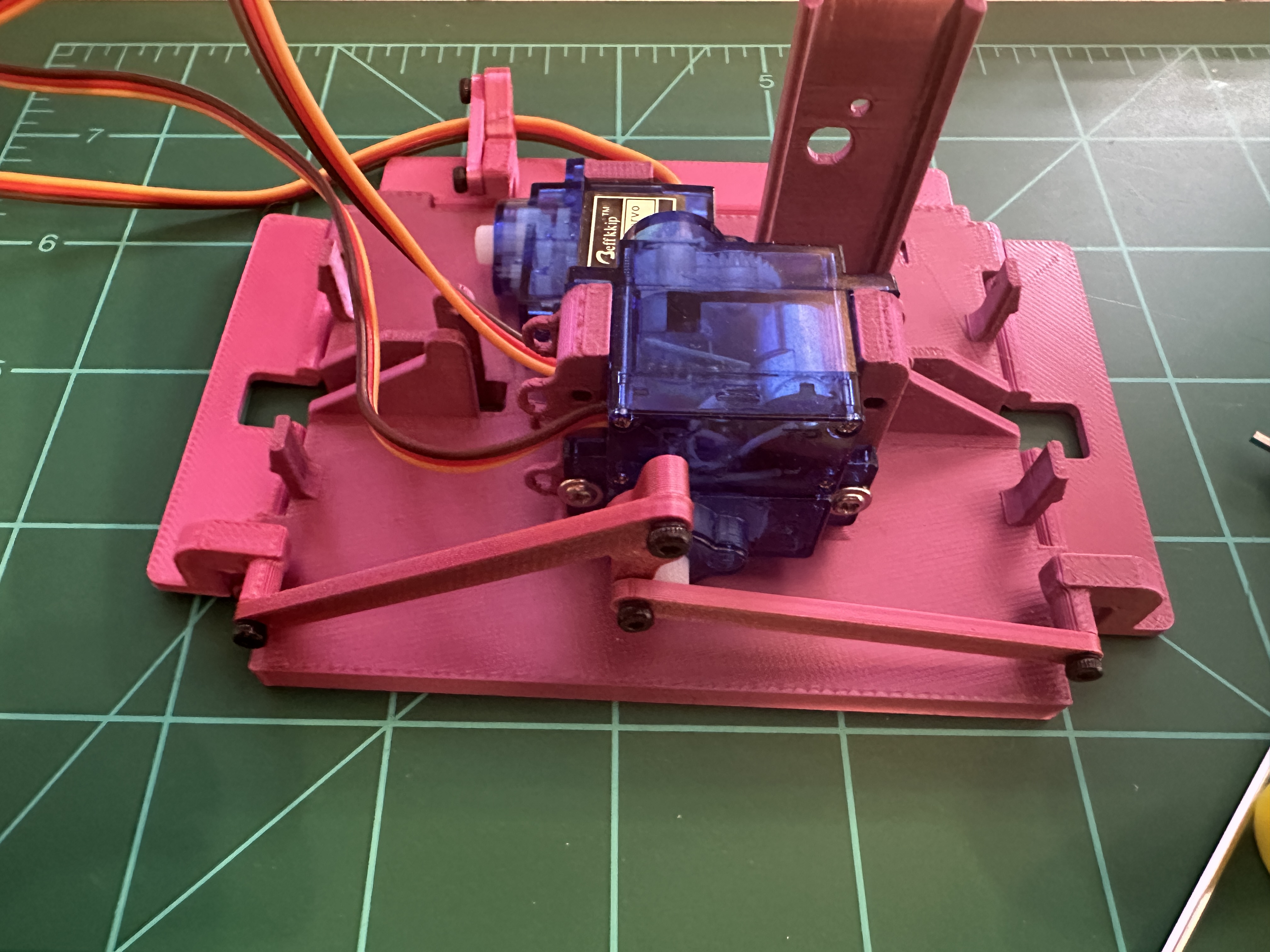
The linkage's TOP/BOTTOM labels describe how it's installed, not which way the module faces. Since you build with the platform upside down, TOP points away from the platform. The horn gets seated onto the servo once the module is calibrated from the app. See Calibrate from the app below.
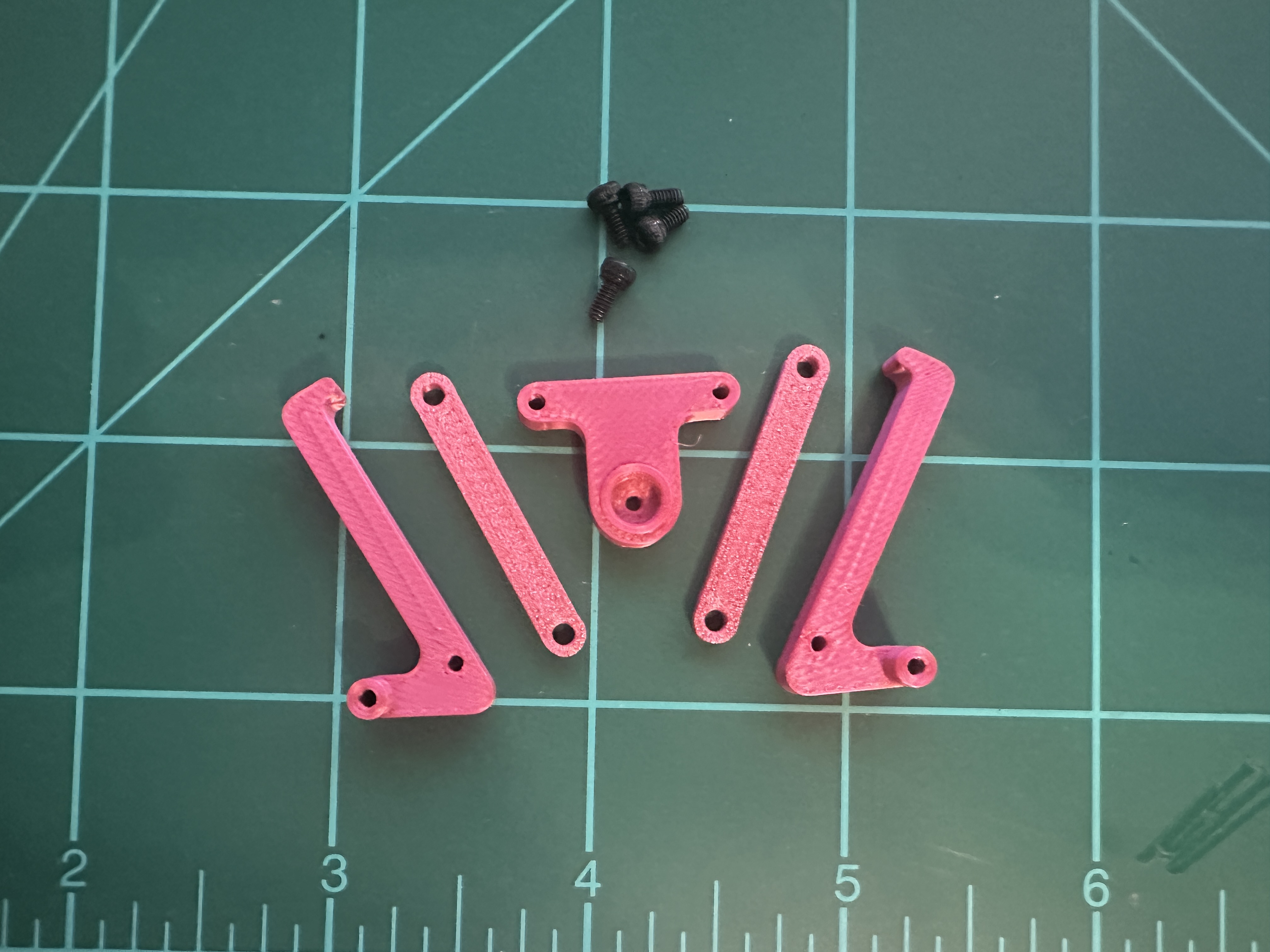
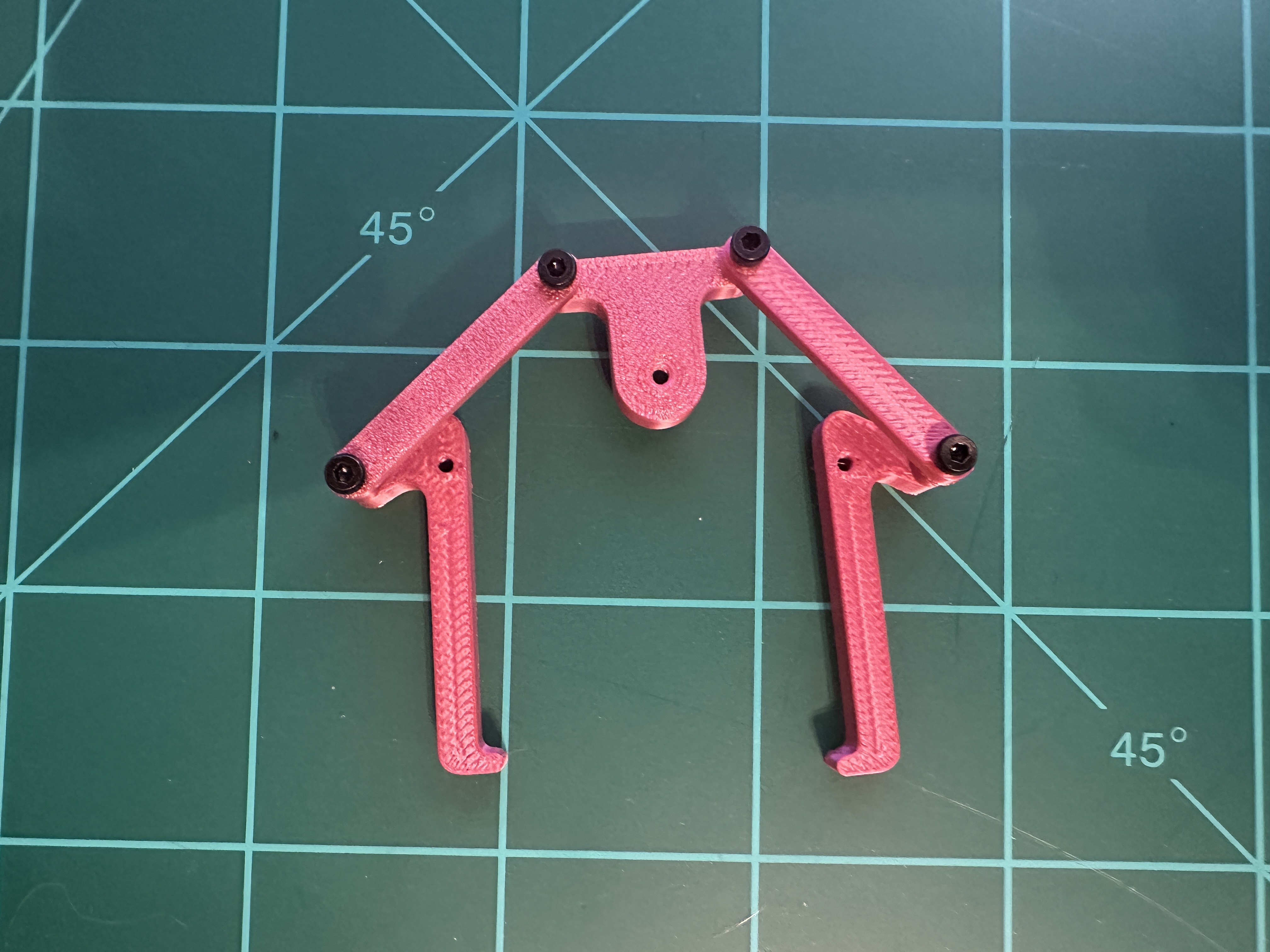
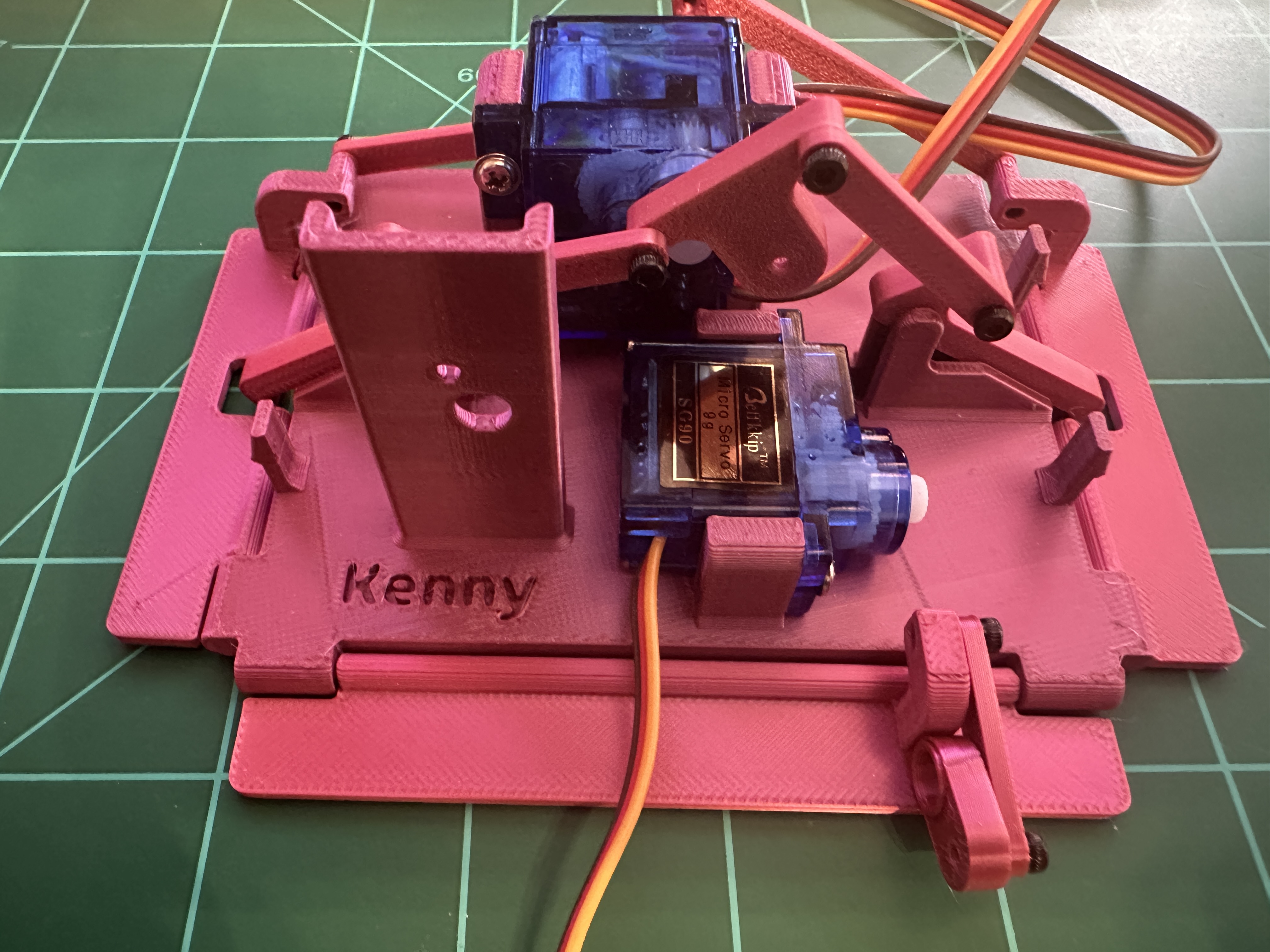
These give the roller grip on the card face. Space them evenly along the roller's length.
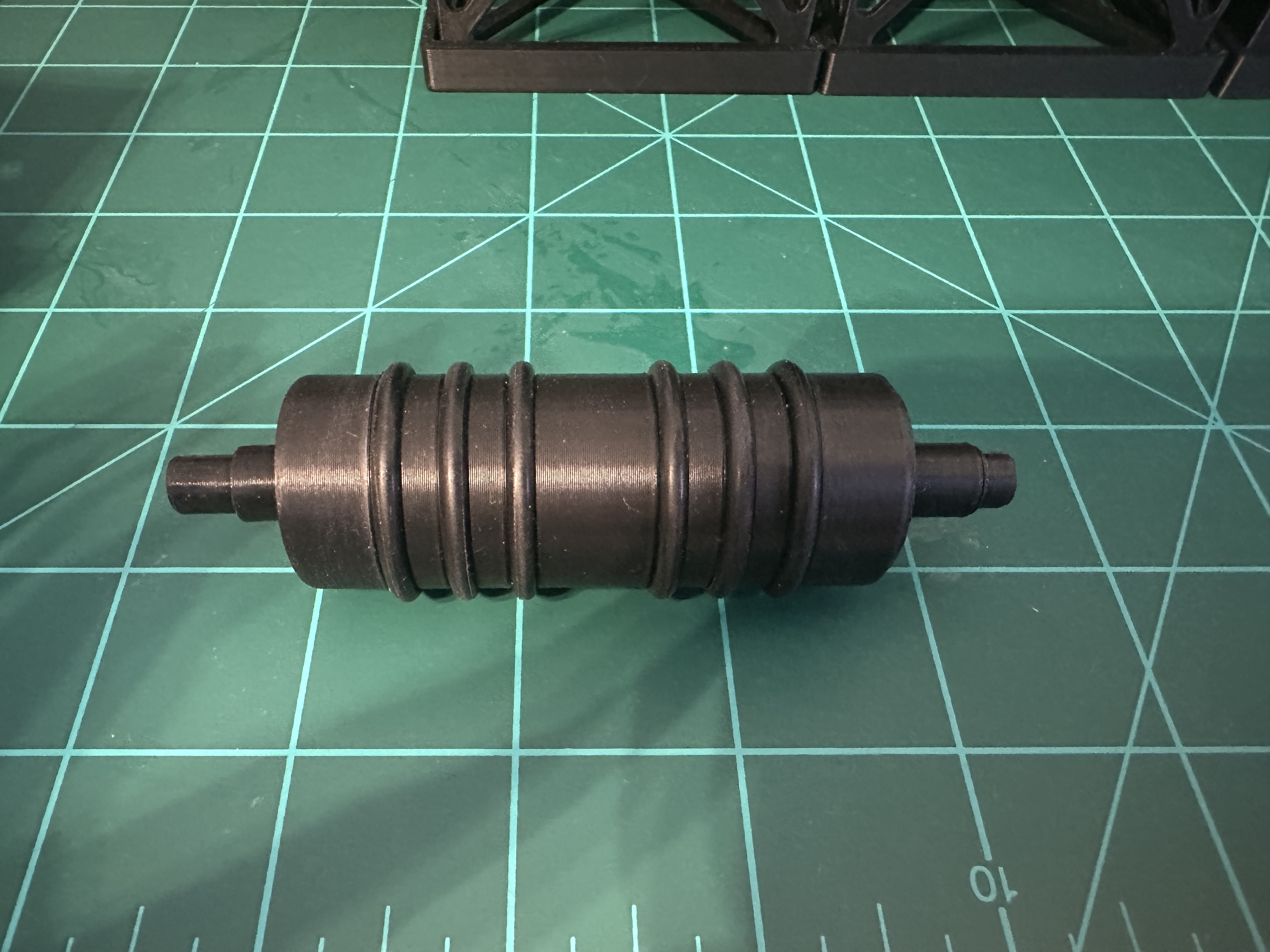
The feeder roller is printed in two parts: the roller itself and a separate roller horn. Neither part has "servo" printed on it. The roller horn is the small piece that fits onto the servo shaft.
Have the two-part roller? Screw the roller horn onto the servo shaft first, then pass the horn through the hole in the feeder base, then slide the other half of the roller onto the horn.
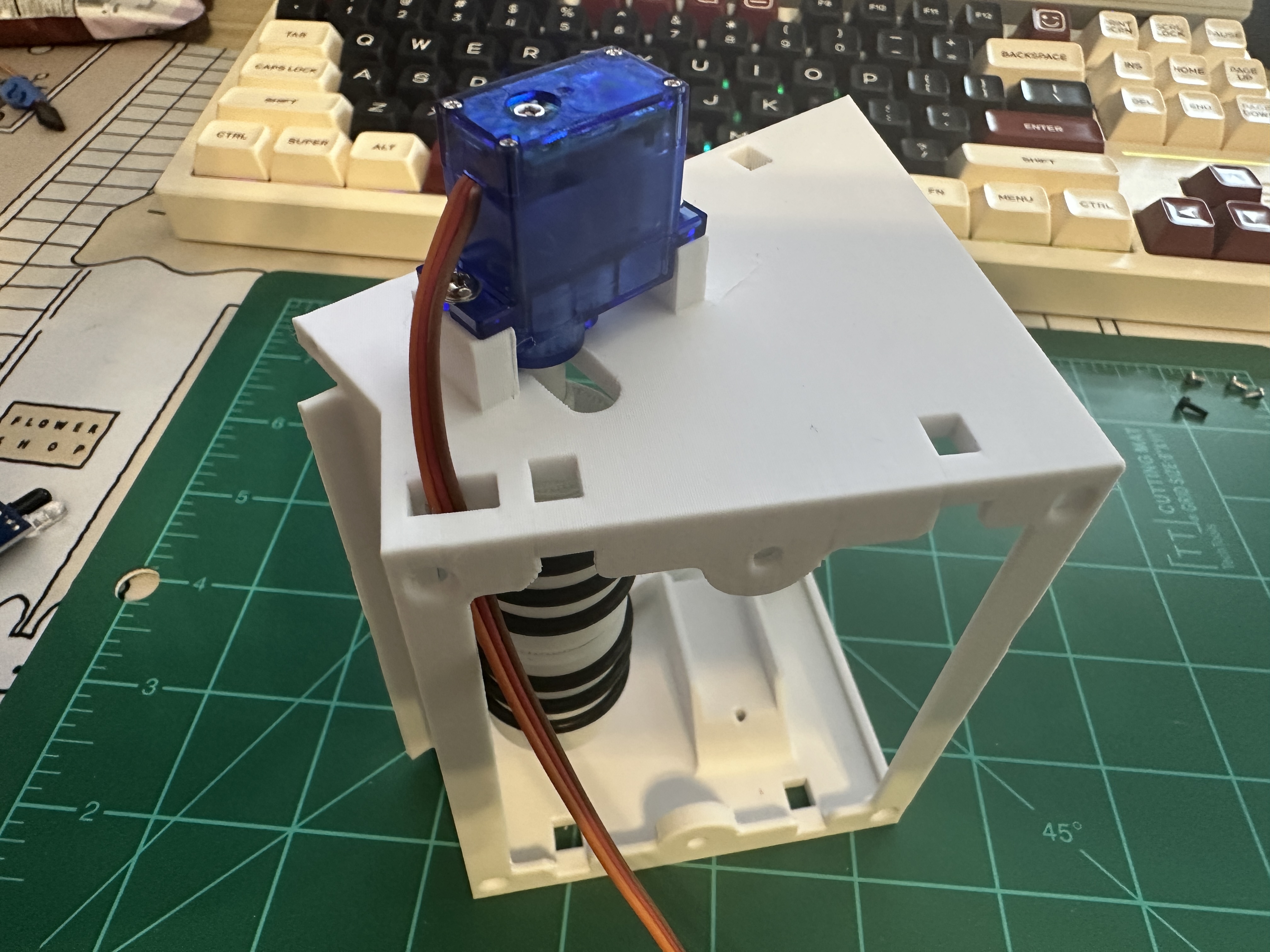
Same as the feeder roller, these give it grip on the card face.
The roller should be stiff once mounted. It should not free-roll.
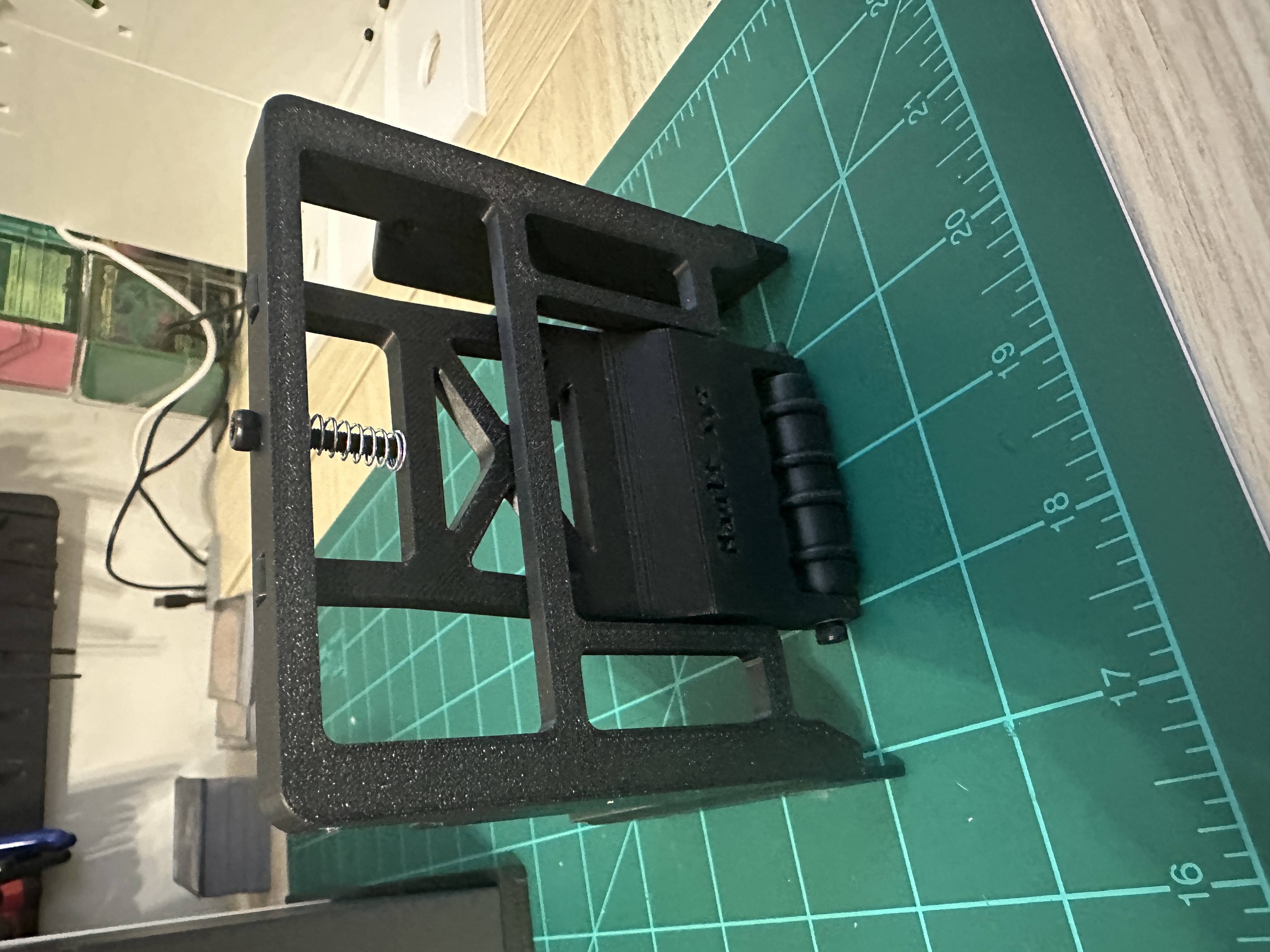
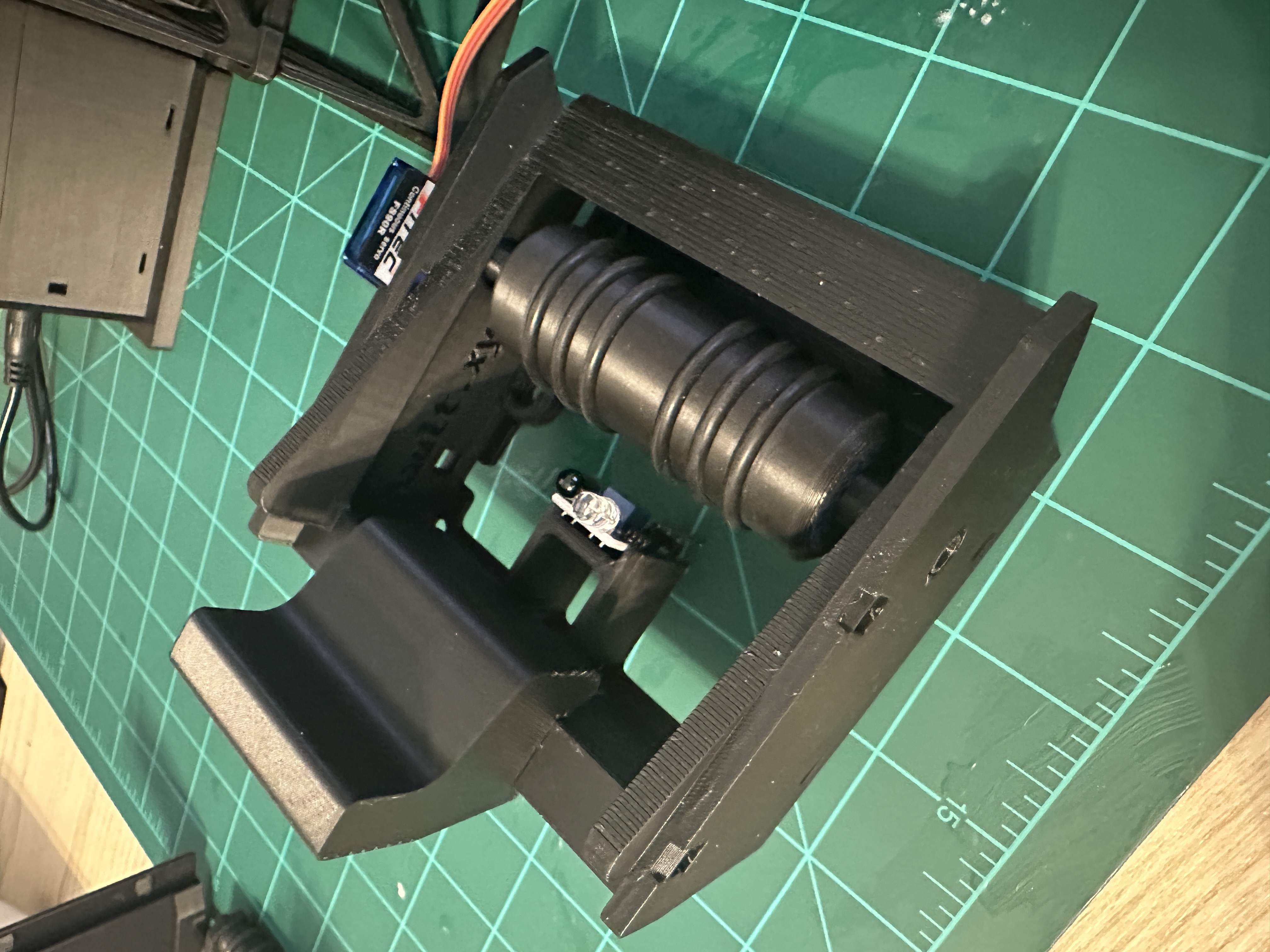
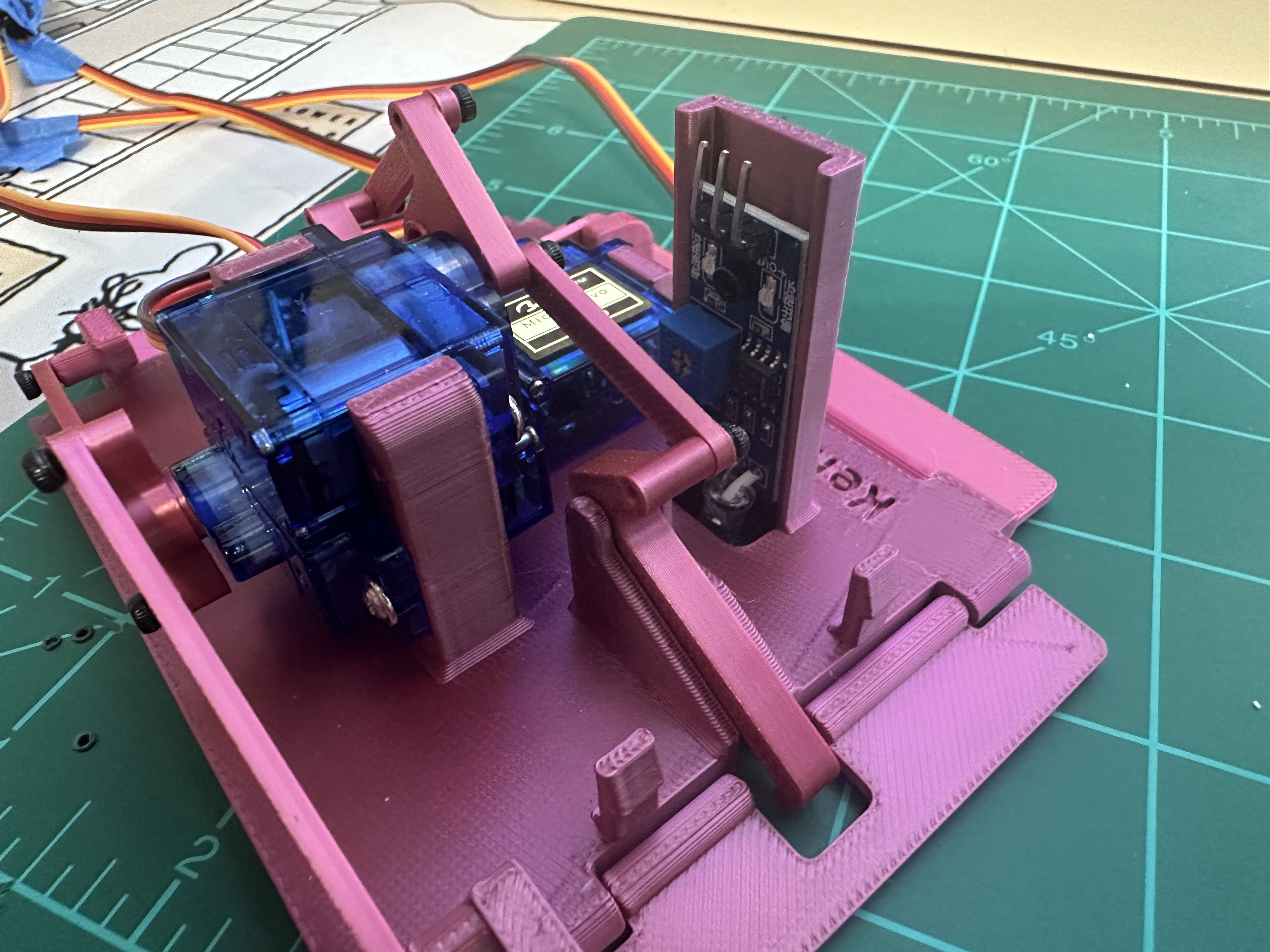
This one tells the feeder when the hopper is empty. Placement matters more than the module sensors.
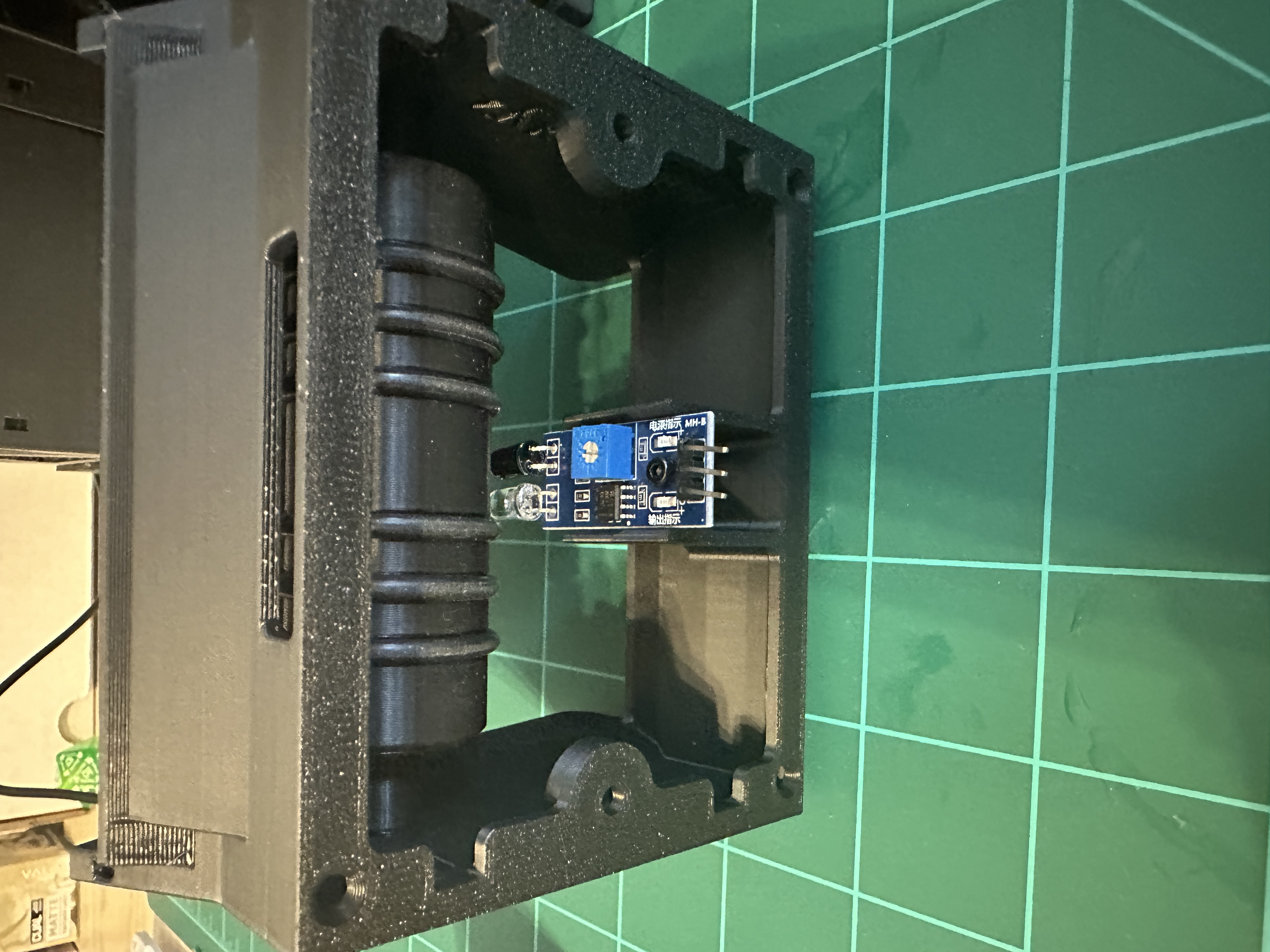
Flash the firmware
The Arduino IDE needs a sketch to live in a folder with the same name, so open main.ino from inside firmware/main rather than moving it elsewhere.
Library Manager → search each by name. ArduinoBLE powers Bluetooth on the Uno R4 WiFi. The Uno R4 Minima has no Bluetooth hardware and doesn't use it, so Minima builds can skip it.
Picking the exact board matters: Bluetooth is only compiled in when the WiFi board is selected.
Wire and calibrate
Everything hangs off one I²C bus (PCA9685) and 4 digital input pins (IR sensors). The PCA9685's logic side runs off the Uno R4's onboard supply; its V+ servo rail must come from the external supply, and that supply's ground must be tied back to the Uno R4's ground. A floating servo ground is the most common reason a freshly wired unit won't move.
The PCA9685's header pins point straight out to the side. You may need to bend them 90° upward so they clear the panel and stay easy to reach when wiring to the Uno R4. Use the table below. The logic voltage is 3.3V on ESP32, not 5V.
I²C bus
| PCA9685 pin | Arduino Uno R4 | Wire in diagram |
|---|---|---|
SDA | SDA | |
SCL | SCL | |
VCC (logic) | 5V | |
GND | GND |
There are wire channels, that use zip ties, in the side of the base to help keep everything neat.
PCA9685 channel map
| Ch. | Assignment |
|---|---|
| 0 | Module 1, bottom |
| 1 | Module 1, paddle |
| 2 | Module 1, pusher |
| 3 | Module 2, bottom |
| 4 | Module 2, paddle |
| 5 | Module 2, pusher |
| 6 | Module 3, bottom |
| 7 | Module 3, paddle |
| 8 | Module 3, pusher |
| 9 | Unused, available for additional sorting modules |
| 10 | Unused, available for additional sorting modules |
| 11 | Unused, available for additional sorting modules |
| 12 | Unused, available for additional sorting modules |
| 13 | Unused, available for additional sorting modules |
| 14 | Unused, available for additional sorting modules |
| 15 | Feeder (continuous rotation) |
For the power and ground, you will have to combine 4 wires into one, either with a breadboard or by twisting and soldering them together. You will need to manually calibrate the sensors to have a shorter throw, as to not get false positives.
IR sensors
All 4 read active-LOW (pin goes low when a card is present) using the Uno R4's internal pull-up. Wire the sensor's digital OUT straight to the pin, no external pull-up resistor needed.
| Sensor | Pin | Signal wire in diagram |
|---|---|---|
| Module 1 gate | D2 | |
| Module 2 gate | D3 | |
| Module 3 gate | D4 | |
| Hopper throat | D5 |
Skipping the common ground is the #1 cause of servos that twitch but never move correctly.
Servo power
| From | To | Wire in diagram |
|---|---|---|
| External 6V PSU, + | PCA9685 V+ terminal block | |
| External 6V PSU, − | PCA9685 GND terminal block and Uno R4 GND |
Fitting a horn off-center biases the whole linkage. The exact open/closed and left/right pulses get fine-tuned in the next step.
For pusherLeft/pusherRight, swing the arm toward the inner wall but stop before it touches, about 10-12% away from neutral. The pusher doesn't need to hit the wall to fling the card, and pressing against it strains the servo. The app warns you past 16%.
Check it by pulling the card back to about 2 inches (5 cm): the LED should go off again. If it stays on, back the screw off a little. A sensor set too far reaches past the card path and reports cards that aren't there.
If a sensor doesn't trigger, or triggers with nothing in front of it, repeat the previous step for that sensor.